See your home in any color before you paint.
-
Take photos of your home
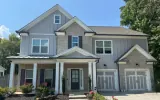
Snap a few photos from around the exterior.
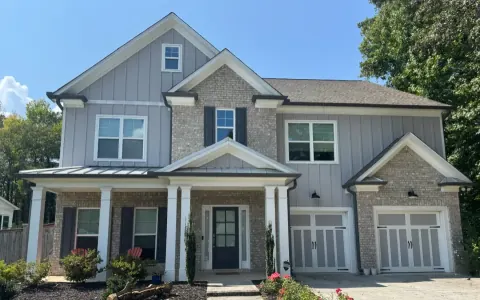
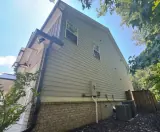
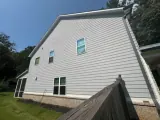
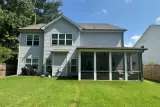
Tap a photo to see it larger.
-
We turn your photos into a 3D home
Create an account, pay $4.99 once, and upload your photos. We build and review a 3D model of your home, ready for you to try any paint color you choose or you can select from the major brand swatches.
Upload your photosChoose photos from your phone or computer You can also drag photos here.✓ Photos ready to submit
-
Explore and paint your 3D home
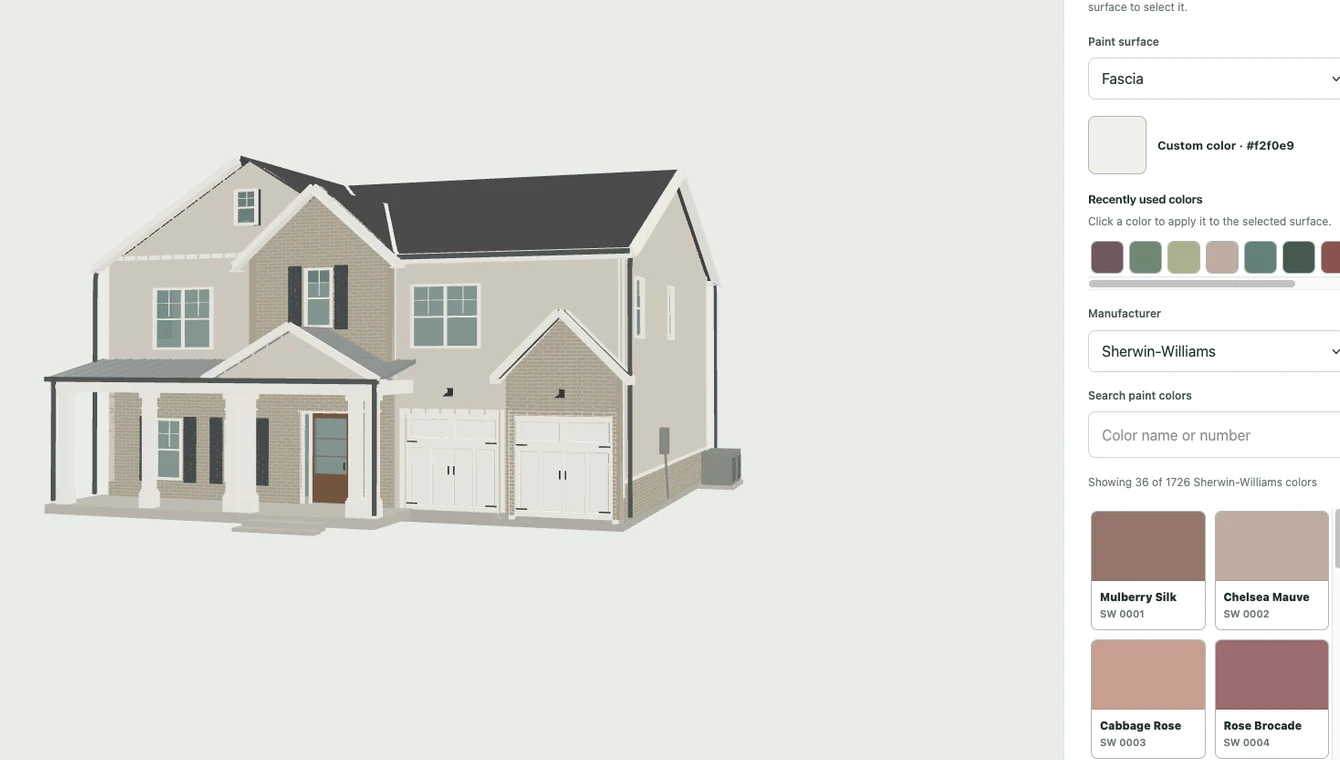
Try different colors on siding, trim, doors, and more before you buy a gallon of paint.
-
See your colors on your home
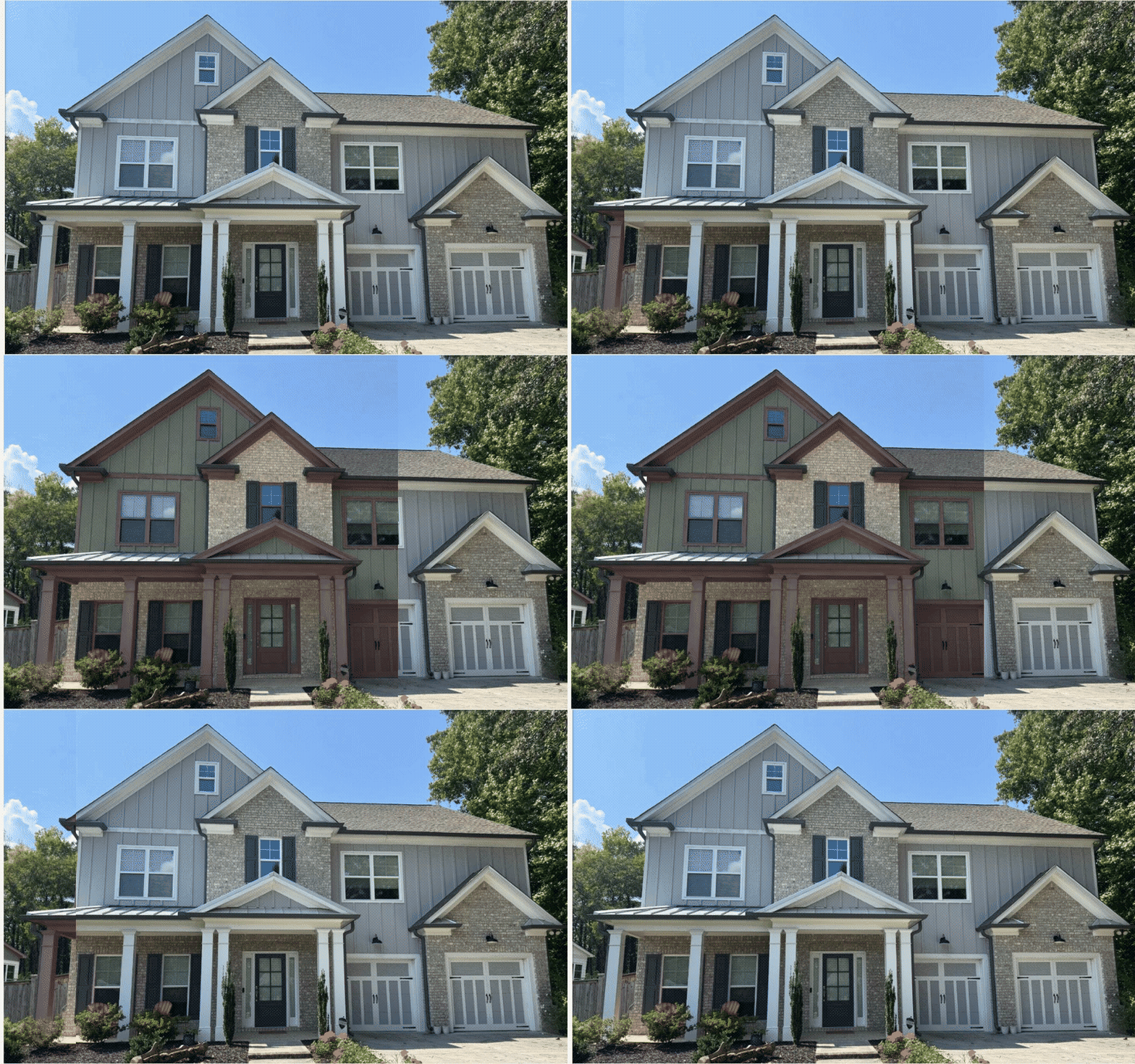
Select “Photo generate” to preview your final colors on your original front photo.

Five paint previews included with photo projects. Confirm colors with physical paint samples.
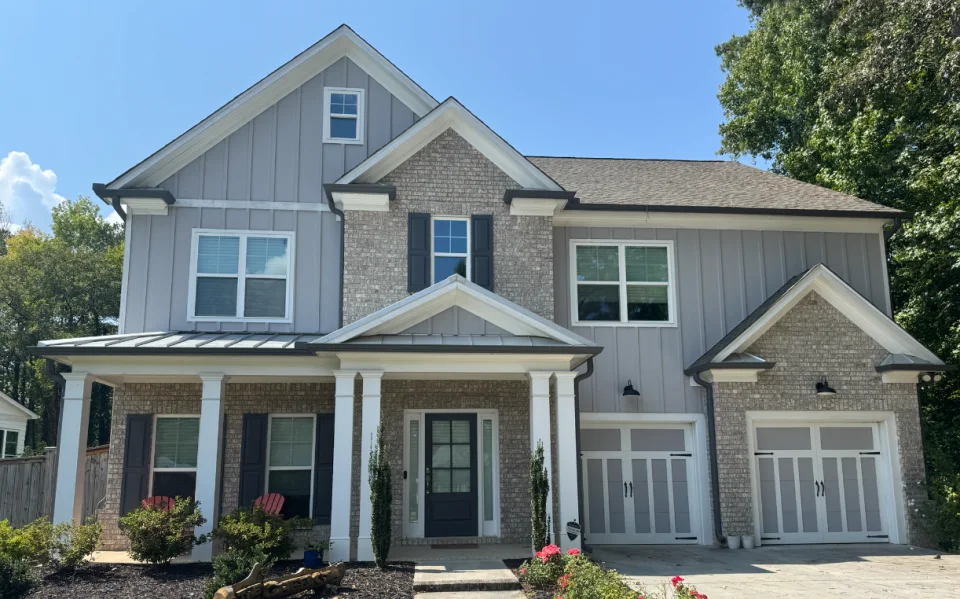
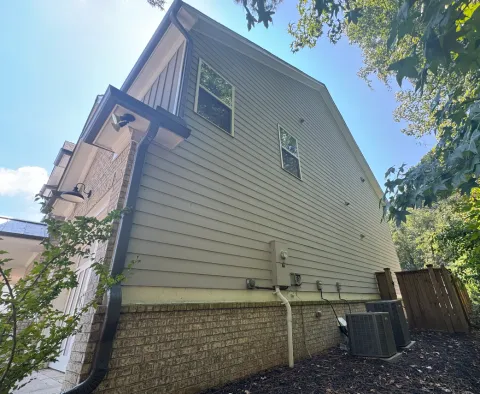
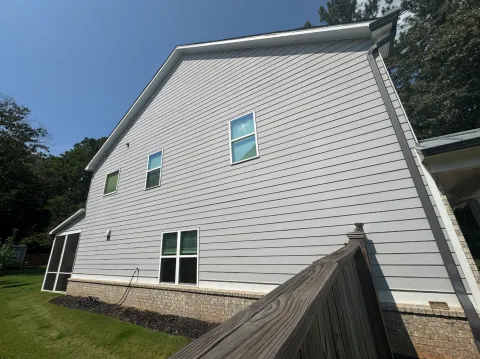
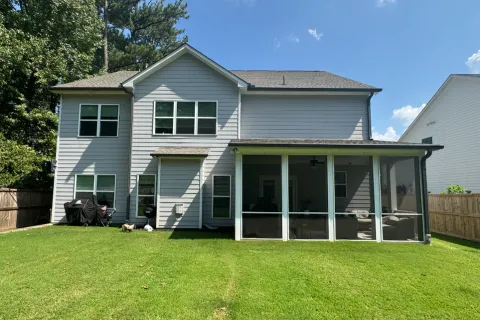
Have blueprints? They help us create a more accurate model of your home.
“It's really impressive!
I have been trying to do photo-realistic renderings of colors, and that simply doesn't seem to be working within the limitations of what GPT can do … So this is a really helpful alternative.”
A LITTLE INSPIRATION
Take the colors for a spin.
Explore the sample home and try a new combination. No account needed.
A FEW GOOD QUESTIONS
Before you
get started.
Do I need blueprints?
No. You can start with exterior photos for an approximate model of your home, or use floor plans and elevations. We may ask for more views before modeling.
Do I have to build the 3D model myself?
No. We prepare and review the model for you, then email you when your home is ready to design.
Can I try it before starting my own home?
Yes. Explore the sample home free, with no account or credit card needed. Your own exterior home project costs $4.99 once. See what’s included and optional extras.
Can I share my choices with my painter?
Yes. Save your color combinations, then finalize and download your selections to share.
Does this replace physical paint samples?
No. Lighting and screens affect color. Use the visualization to narrow your choices, then confirm with physical samples before ordering.
FOR BUILDERS
Are you a builder working with multiple clients?
Our builder plan may be a better fit. Manage your projects, reuse floor plans, and keep each client’s color selections in one place.